The Architecture of Choice: Navigating the Technical Debt of Unity vs. Unreal Engine
In the modern game development landscape, choosing an engine is no longer about which icon looks better on your desktop or which marketing reel is more impressive. It is a cold, calculated decision regarding technical debt, recruitment costs, and time-to-market. For a solo developer or a small indie team, the luxury of building custom systems from scratch is dead. You either leverage existing architectures or you drown in unoptimized code. To understand the full scope of available technical documentation and engine specifications, you can find exhaustive data on the website unityunreal.com, but the core of the problem remains: how do you manage the trade-off between performance and ease of use? Every byte of code you write today is a debt you will have to pay during the optimization phase.
The Memory Management Trap: C# vs. C++
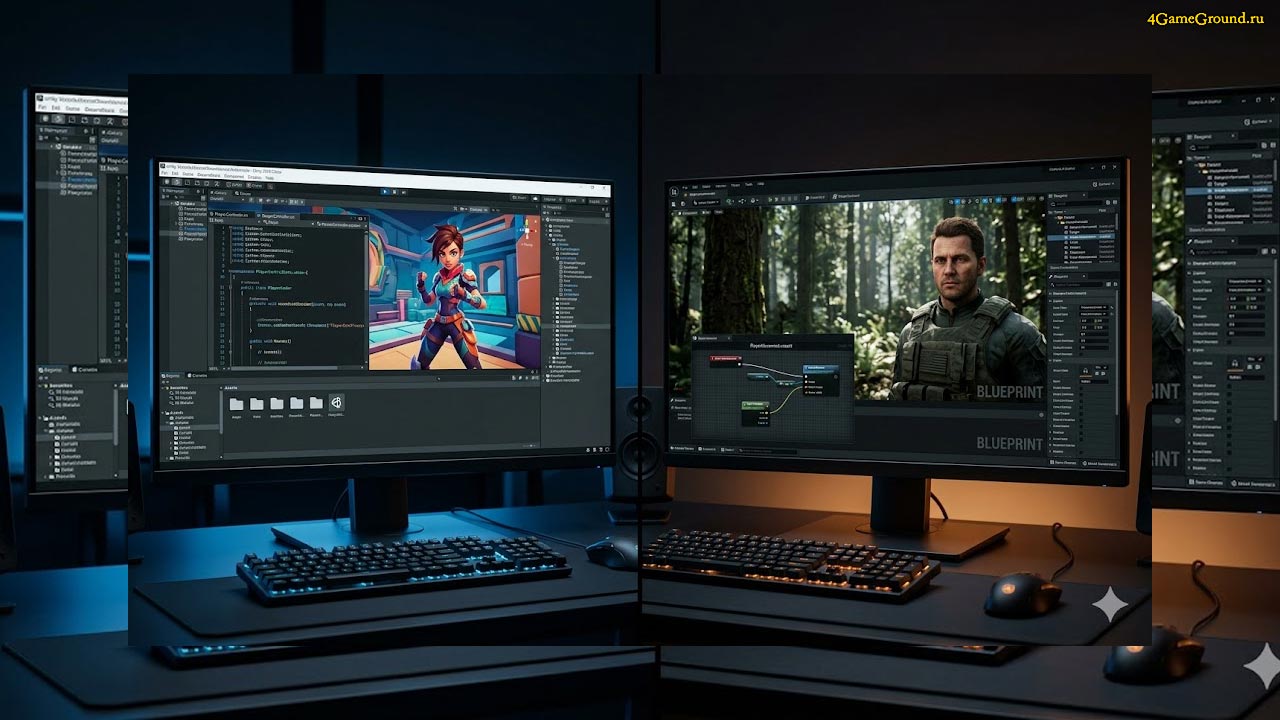
Unity’s dominance in the mobile sector is built on the flexibility of C#. It allows for rapid iteration and a significantly lower barrier to entry for logic scripting. However, the architectural reality is that you are always at the mercy of the Garbage Collector. For high-fidelity projects, this translates into unpredictable frame stutters that can ruin a professional gaming experience. Solving this requires diving into the Data-Oriented Technology Stack (DOTS), which essentially forces you to write code that looks like low-level C++. If you are forced into that level of complexity anyway, the question of engine choice becomes purely about which ecosystem offers better ready-made solutions.
Unreal Engine represents the opposite philosophy. With its C++ foundation, you have absolute control over hardware, but the learning curve is a vertical wall. One memory leak or a dangling pointer can cause the entire editor to crash, wiping out hours of progress. Yet, the visual scripting system known as Blueprints has become so robust that you can prototype entire game loops without touching a single header file. The efficiency of your workflow often dictates your survival in this industry. To keep the production moving, smart leads frequently rely on a free download game-dev assets strategy to bypass the tedious modeling of standard environmental props. This allows the team to focus their energy on the unique mechanics that actually sell the game.
Rendering Pipelines and the Nanite Revolution
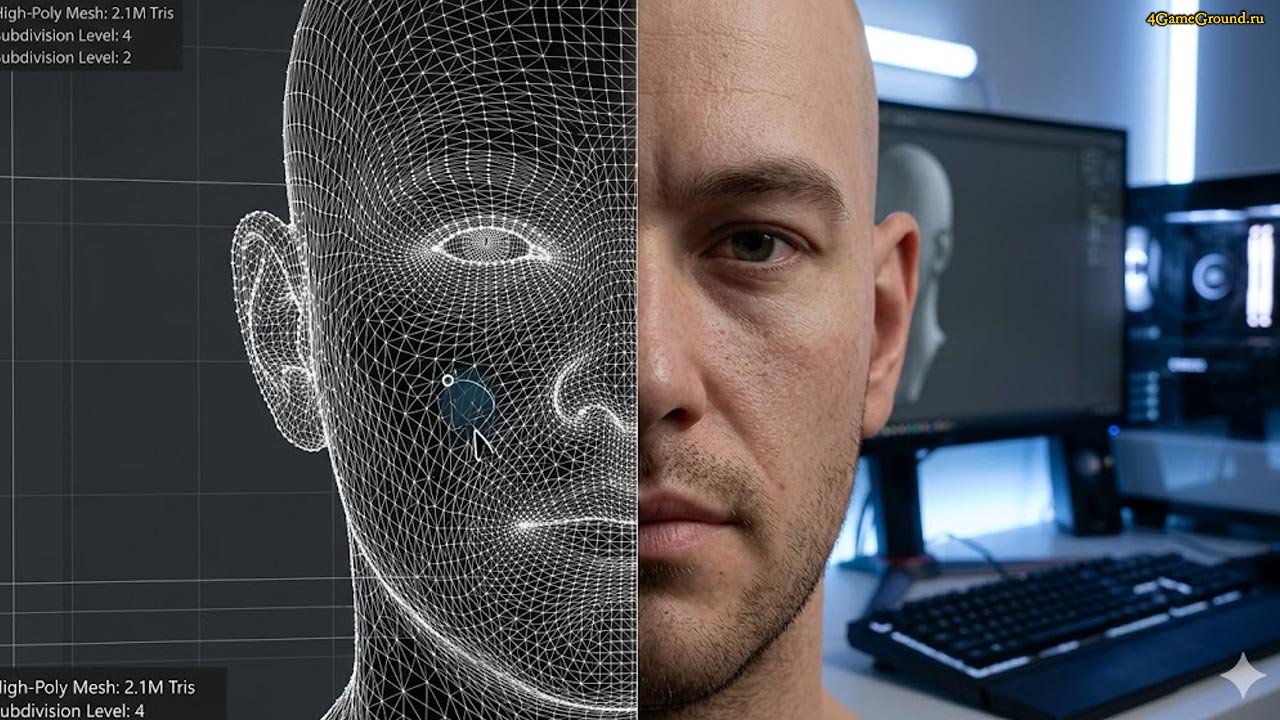
The visual gap between engines has narrowed, but the underlying technologies remain distinct. Unreal Engine 5.4 and beyond have fundamentally changed the 3D art pipeline with Nanite and Lumen. The ability to import high-poly cinema-quality meshes directly into the engine without manually creating LODs is a massive architectural advantage. It removes a layer of technical friction that has existed for decades, allowing artists to be artists instead of technical janitors cleaning up polygon counts for the sake of performance.
Unity counters this with its Scriptable Render Pipeline, specifically HDRP and URP. While it requires more manual setup to achieve the same visual fidelity as Unreal out of the box, it offers unparalleled flexibility for cross-platform optimization. If your project needs to run on everything from a high-end PC to a standalone VR headset, Unity’s modularity is its greatest strength. You can strip the engine down to its bare essentials, ensuring that every cycle of the GPU is dedicated to exactly what is on the screen, rather than fighting against an engine that is trying to be everything for everyone.
Asset Logistics and Production Reality
Modern game development is less about «creation» and more about «integration.» The bottleneck is no longer the raw power of the engine, but the speed at which you can funnel high-quality assets into your world. Building every chair, rock, and particle system from scratch is a financial death sentence for indie studios. The pragmatic approach is to use high-quality, pre-made libraries for the 80% of the game that is «standard,» and spend your limited budget on the 20% that defines your unique aesthetic. This is not «asset flipping»—it is efficient engineering. It ensures that your game actually reaches the finish line instead of becoming another abandoned project in a GitHub repository.
Conclusion
The decision between Unity and Unreal should be based on your team’s specific technical DNA. If your project relies on massive, photorealistic open worlds and you have the hardware to support it, Unreal is the logical choice. If you are targeting a wide range of platforms with a focus on mobile or stylized visuals, Unity’s iteration speed is unbeatable. Regardless of the choice, remember that the engine is just a tool. The real work lies in how you manage your resources, optimize your assets, and keep your technical debt from spiraling out of control before you hit the «release» button.
